Status.ehasa.org
Event map, live layers, tasks, notices and GPS tracking for Ehasa events.

Layers and controls
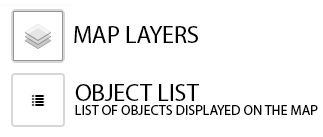
Map layers help you navigate the event area. You can choose visible layers from the layer menu. Keeping only the layers you need enabled makes the status system faster, especially on mobile devices.
- Show or hide map layers
- Select active edit layer if you are an admin
- Use fewer layers for better performance
Passwords and locked maps
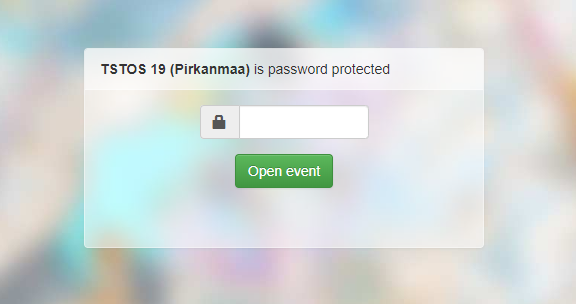
Some maps are protected with a password, a secret URL address or user-specific access rights. If you have bought an event ticket with the same account, the map may open automatically after login.
Location tracking
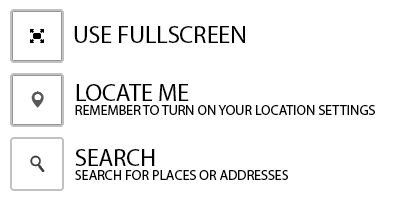
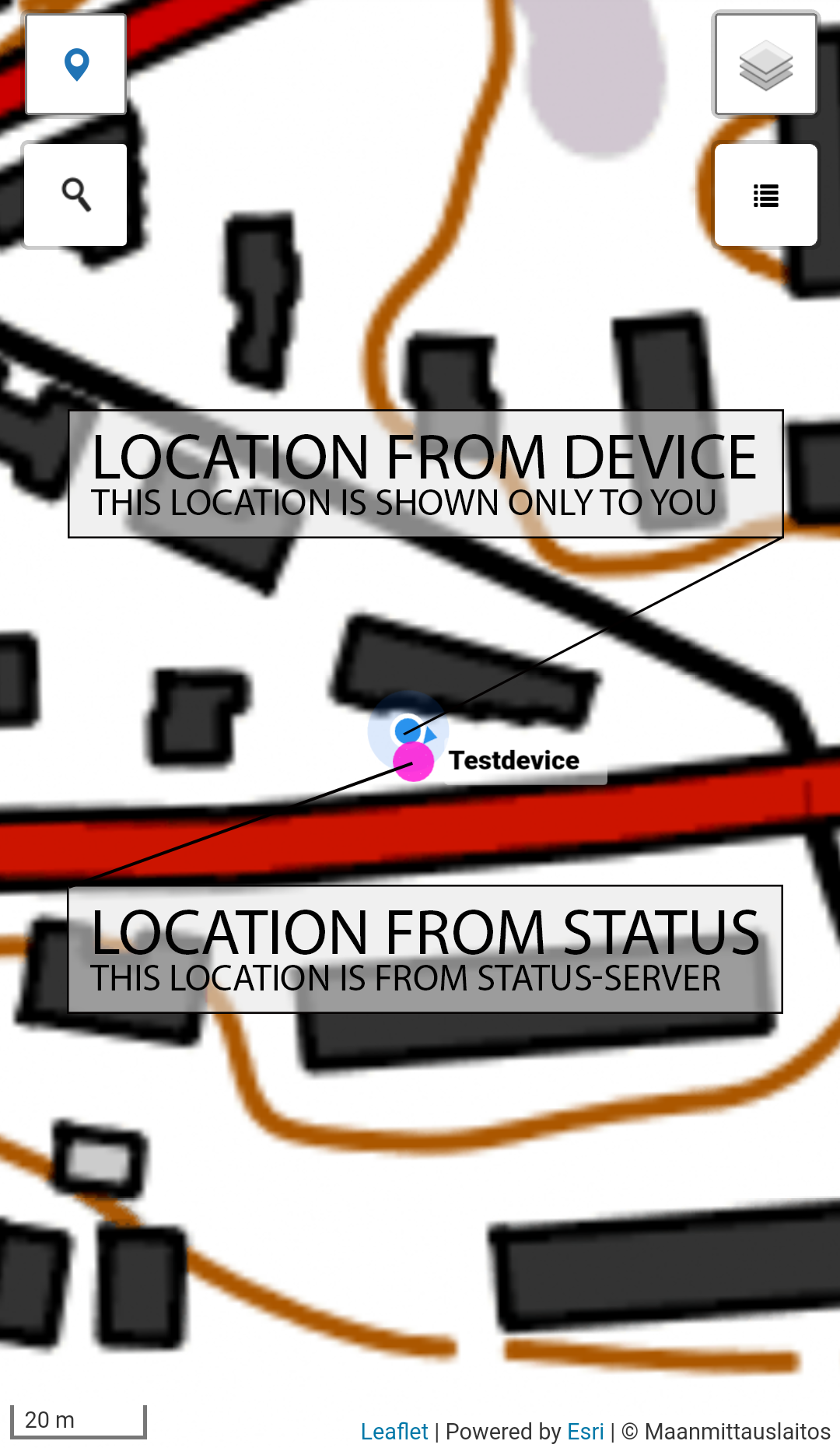
The mobile app can use background location tracking even when your phone screen is inactive. Browser location tracking works too, but the app is recommended for longer events.
- Log in to the Ehasa Status app.
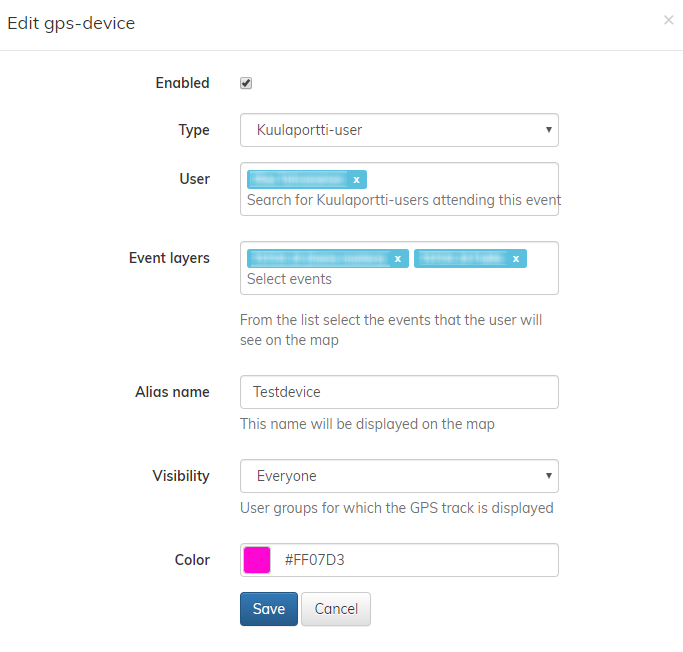
- Make sure you are added to the map GPS list
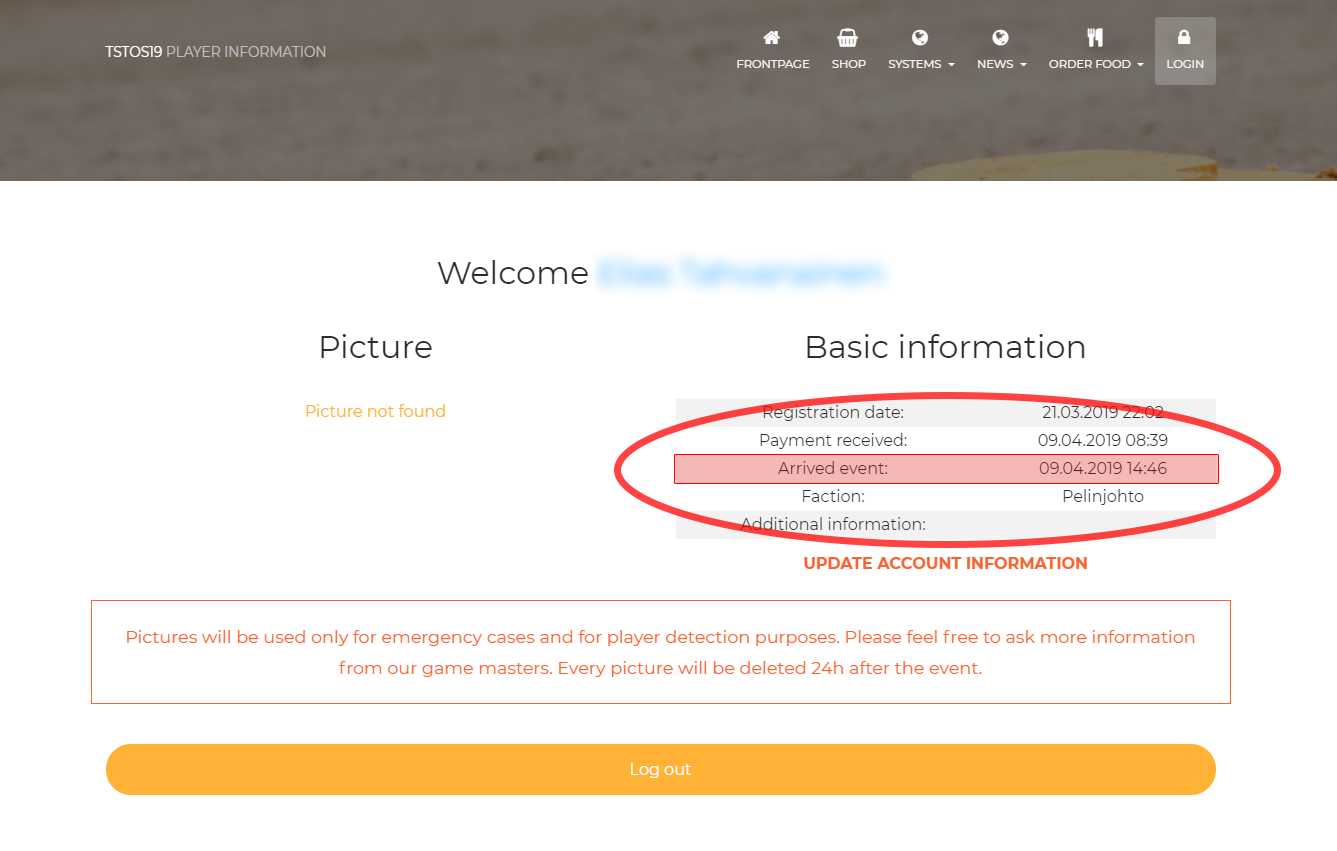
- Make sure you have arrived to the event
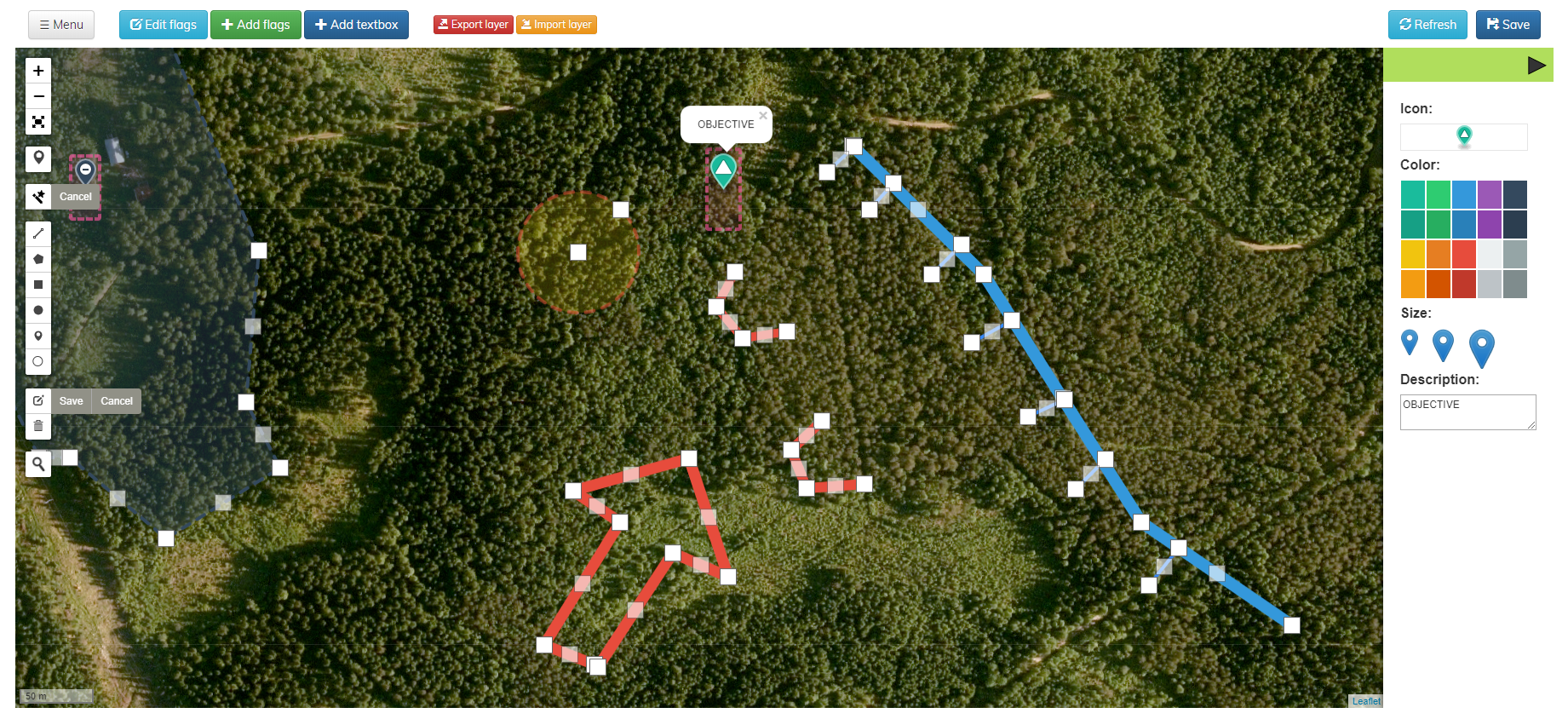
Map editing capabilities
Admin users can draw, import and export map objects, edit layers and manage event-specific map information. Editing tools are available only to users with sufficient permissions.